Dates and documents get separated
An inspection date is less useful when the report is in an inbox. Keep vehicle dates and documents with the vehicle so the office can review the supporting record.
A driver's walkaround, a vehicle's inspection history and the next job allocation affect the same working day. Rivetway keeps HGV records, drivers, assignments and defect follow-up connected, with a phone workflow built for the driver.
Try Rivetway free during testing. No card details required. All modules and unlimited users are included.
An HGV cannot be managed by its registration and next MOT alone. Daily checks, planned inspections, defects and workshop decisions each need their own evidence.
An inspection date is less useful when the report is in an inbox. Keep vehicle dates and documents with the vehicle so the office can review the supporting record.
A driver reports damaged lighting or a tyre issue, but the workshop needs the original description and photographs. Keep those with the defect as follow-up progresses.
A driver starting a shift needs the assigned job and vehicle check. Rivetway's driver view keeps those tasks separate from wider office administration.
Keep each action tied to the actual vehicle and person. Workshop records can explain the follow-up without overwriting what the driver first reported.
The operator and competent people remain responsible for maintenance and roadworthiness decisions. Rivetway does not provide official DVSA or FORS endorsement. Driver-hours tools support planning and do not replace an approved tachograph or statutory records.
Consider a drainage tanker due at a customer's site. During the walkaround the driver spots damaged lighting. A useful record tells the office what was found before anyone treats the vehicle as available.
The driver records the failed item, notes and a photograph against the vehicle. A safety-critical failure produces a do-not-drive warning and an off-road record; it still needs an authorised assessment.
The office can review the reported issue alongside the assigned work and decide what needs to change. A software status should never be taken as permission to use an unsafe vehicle.
Workshop users can schedule the repair, record rectification, add evidence and verify closure. Keep the report and repair history together for later review.
Follow the related workflows: Driver defect reporting app · Fleet compliance records · Free driver-hours calculator · Small-fleet management.
Try the walkaround for a vehicle you actually operate, including trailer details where relevant. Confirm that the checks and evidence suit the vehicle; don't assume a generic checklist covers specialist equipment.
Follow one reported defect through office review, repair evidence and verification. Check that another authorised person can find the original report and understand why it was closed.
Use the free calculator for a simple break or finish-time estimate. Separately confirm the scope of any tachograph review tools you need; planning timers are not official tachograph analysis.
Vehicle and trailer checks, driver and job records, defect evidence, workshop actions and repair verification are present in the current application. The public driver-hours calculator is available without an account.
Licensed HGV route guidance remains under development. Tachograph review continues to need validation against real files and applicable rules; do not treat it as an approved compliance decision.
Rivetway began as a spreadsheet used by founder David Langstead, an HGV drainage engineer. More than a decade working with vans through to 44-tonne tankers shaped the focus on drivers, jobs and the records returned to the office. Read how Rivetway started.
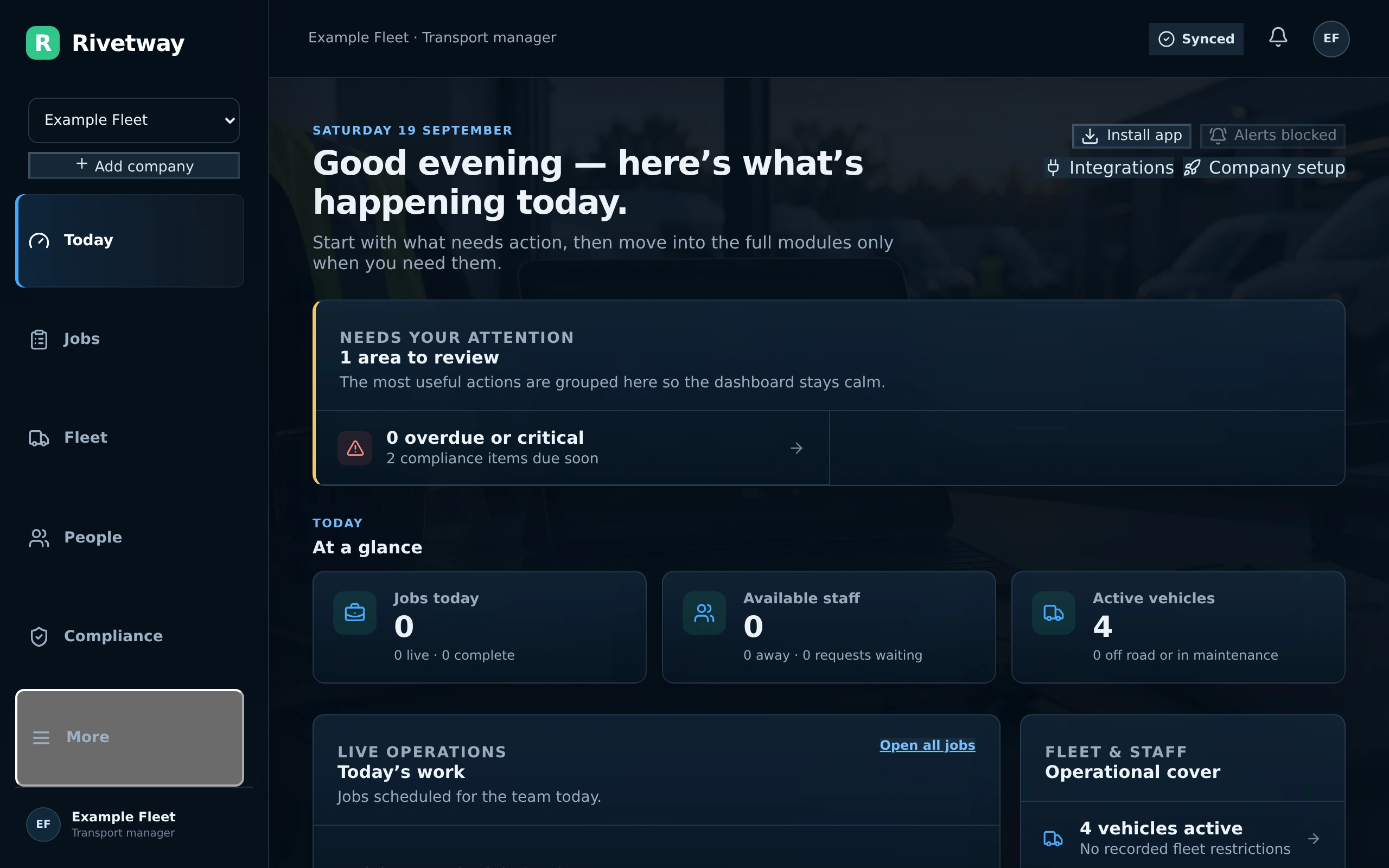
Explore the practical details, current features and how Rivetway fits your team.
Yes. Rivetway supports vehicle-linked records for mixed operations. Check each vehicle's details, check requirements and specialist equipment during the trial.
The office and workshop can review the report, see its check and photographs, schedule work, record rectification and verify closure. Those actions retain the defect's history.
Vehicle documents and workshop records can hold supporting evidence. Your maintenance arrangements, inspection intervals and competent sign-off remain the operator's responsibility.
No. The calculator and driver-hours companion are planning aids. Use the required approved equipment and statutory records, and confirm the scope and validation of any review workflow before relying on it.
Start the 90-day trial from the pricing page or request a demonstration through Contact. Describe your vehicles, trailer use and defect follow-up process so the discussion covers your actual operation.
Start your free trial from the pricing page. No card details are required during testing. Include your drivers, office and workshop team. For a demonstration, use Contact and describe your fleet size and the process you want to see. Explore the interactive demo first if you prefer.