Work allocation changes
A tanker goes into the workshop and a drainage visit needs a different vehicle and driver. Keep the assignment with the job so the next person can find the details.
A vehicle list tells you what you own. Running the fleet also means assigning tomorrow's work, giving drivers clear instructions and dealing with today's defects. Rivetway connects those jobs, people, vehicles and records in one place.
Try Rivetway free during testing. No card details required. All modules and unlimited users are included.
When a job changes vehicle or a driver finds a defect, the office needs the updated record and the reason for the change. A second spreadsheet rarely solves that handoff.
A tanker goes into the workshop and a drainage visit needs a different vehicle and driver. Keep the assignment with the job so the next person can find the details.
A customer asks what happened on site. Job updates, photographs and reports are more useful when they return to the same record as the instructions.
Renewal dates, documents and defects still need attention while work is being booked. Connect them to the vehicle rather than relying on someone's memory.
The driver sees their own work on a phone. The office retains the customer, vehicle and staff context needed to review it.
Rivetway organises the information your team records. Check its fit against your operation during the trial, including specialist equipment, reporting requirements and any systems you need to retain.
For example, a drainage business may send a jetting van to investigate a blockage and book a tanker for the follow-up. Each visit needs clear instructions and evidence, even if the same office person plans both.
Record the customer, site and job information before allocating work. The driver should be able to find the current task without searching through yesterday's messages.
Use the driver job workflow to record progress and supporting photographs. A job report gives the office a starting point for a customer update or follow-up visit.
A fault found on the van belongs to that vehicle's defect history. Workshop follow-up can continue alongside the job record instead of being buried in the customer conversation.
Follow the related workflows: HGV fleet management · Small-fleet plans and workflows · Fleet compliance records · Driver defect reporting.
Use a real job from booking to driver update and report. Check whether the office can understand the outcome without asking the driver to enter it twice.
Ask a driver and the person managing maintenance to test their own tasks. Unlimited users means you can include them without buying separate user seats.
If tracking hardware or a specialist finance system is essential, confirm the exact connection and coverage before relying on it. Module access alone does not establish that a provider is configured.
Jobs and assignments, vehicle and staff records, driver checks, defect reporting, workshop follow-up and document records are available in the current application.
Licensed HGV route guidance remains under development. Provider-backed tracking needs setup and validation; it is not assumed to be live for every fleet.
Rivetway began as a spreadsheet used by founder David Langstead, an HGV drainage engineer. More than a decade working with vans through to 44-tonne tankers shaped the focus on drivers, jobs and the records returned to the office. Read how Rivetway started.
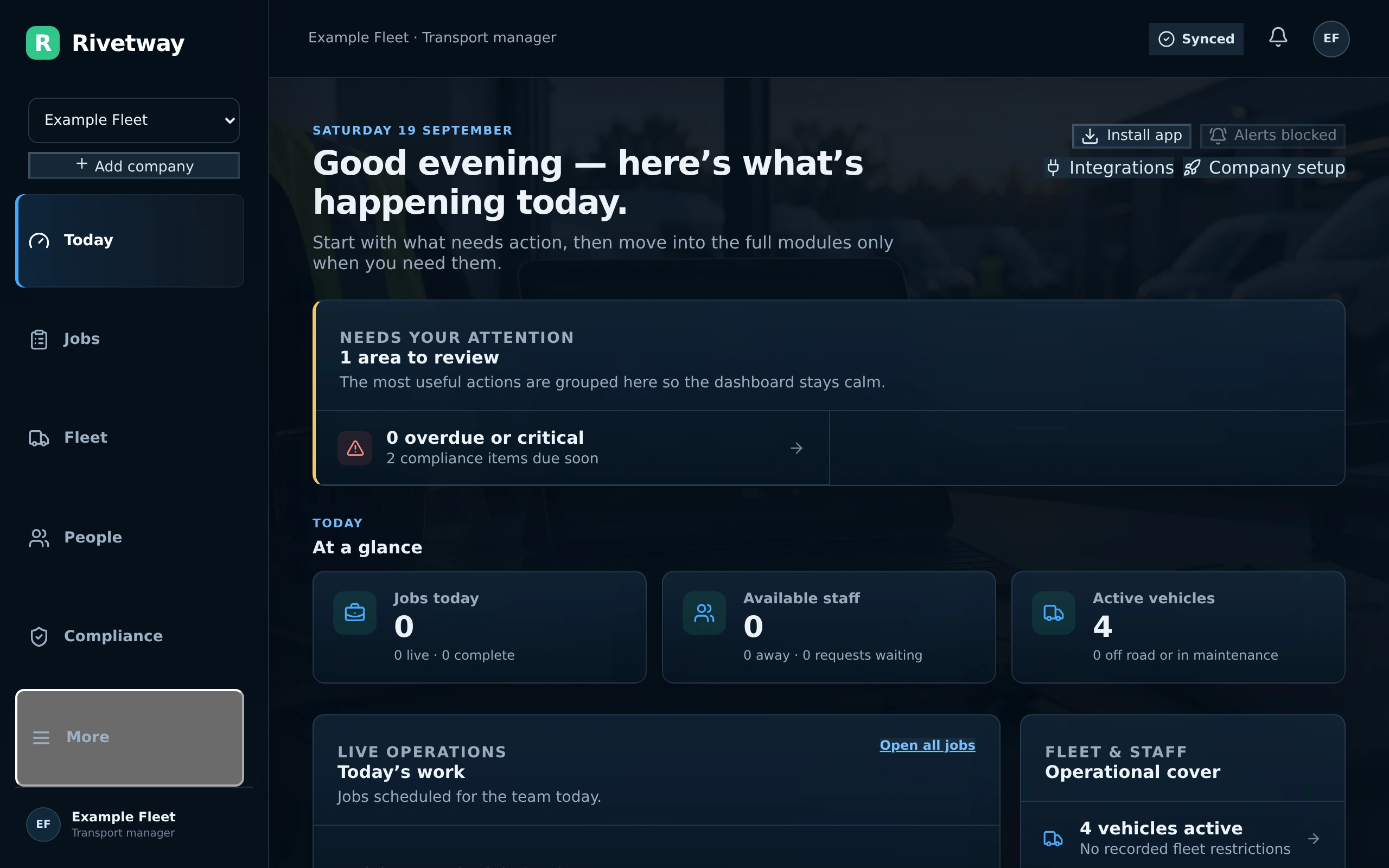
Explore the practical details, current features and how Rivetway fits your team.
It connects vehicle and driver records with job assignments, driver checks, defects, workshop actions and documents. This helps the office follow both the work and the information returned by the driver.
Rivetway grew from HGV and drainage experience and supports vehicle-linked operational records. Use the trial to check a typical van, HGV or specialist-vehicle job and any equipment-specific records your business requires.
Tracking shows where a vehicle is when a connected provider supplies that information. Fleet management also covers assignments, people, checks, repairs and records. Confirm tracking setup separately if it is part of your buying decision.
All modules and unlimited users are included across the published plans. Pricing is based on fleet size, so office staff, drivers and workshop users do not each need a paid seat.
Use the pricing page to try Rivetway free during testing. No card details are required. Try a complete working-day workflow with your team.
Start your free trial from the pricing page. No card details are required during testing. Include your drivers, office and workshop team. For a demonstration, use Contact and describe your fleet size and the process you want to see. Explore the interactive demo first if you prefer.